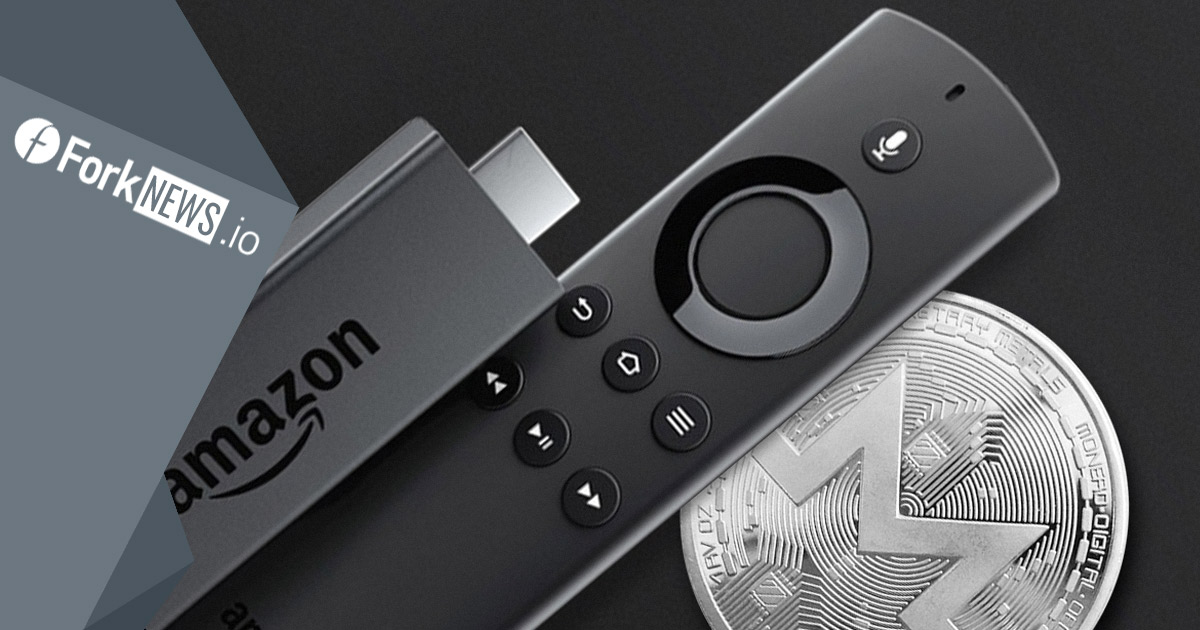
Watching pirated movies or TV channels through the Amazon Fire TV Stick or Amazon Fire TV media player can infect your Android device with malware that allows for hidden mining.
If you're a regular user and haven't changed your Fire TV media player's Developer Options, ADB Debugging, and Apps from Unknown Sources features, which are all turned off by default, you don't have to worry.
There are good and bad reasons for changing your security settings. Developers do this because they need access to the device, but regular users only change these settings to download unauthorized apps. Some of these apps are designed to illegally watch pirated content, and they are probably the most likely cause of your Fire TV device becoming infected with malware.
This virus (ADB.Miner) downloads as a hidden "Test" app and steals the power of your device to mine cryptocurrencies hidden, which will cause movies to freeze and an Android icon may appear on the screen.
There are a number of solutions you can use to remove the malware, such as resetting to factory settings, manual removal of the malware using developer tools, or artificial installation of a damaged version of the malware with hidden mining disabled. Alternatively, you can leave your Fire TV settings alone initially (unless you're a developer) or use features and apps provided directly by Amazon.
According to tamebay

You May Also Like
Criminals are 'vulnerable' when converting cryptocurrencies to fiat
US customs officials say cryptocurrency helps track criminals
In Zaporozhye, cyber police detained a hacker who distributed viruses to steal data
Operatives of the cybercrime department identified and detained a 22-year-old resident of the Zaporozhye region who was distributing malicious software to obtain personal information of network users.
